
Well, look what’s new with Peel 3D version 2.0 (2024-10-30)
Peel.OS
- Added a texture processing drop-down in the advanced parameters to choose between Quality and Express. Choosing Express will accelerate the processing time.

- It is now possible to delete unwanted scans during the Clean and Merge steps.

- 3D mouses are now supported in Peel.OS / Peel.CAD.
- Rebrand of Peel 3 and Peel 3D
- Updated icon and logo
- Updated touchscreen splash screen
Peel.CAD
Peel.CAD is now integrated into Peel.OS:
- Peel.CAD now replaces the Align and Improve steps of the original workflow.

- You can now drag the main toolbar and project tress.
- New option at the Export step; users can save the session without scan data, making a smaller session file.

- A waiting progress bar has been added on the bottom right corner when creating entities.
- A new building mode Revolution axis has been added to the line entity.

- .CRM (meshes) are now supported and can be imported from other Creaform software into Peel.CAD.
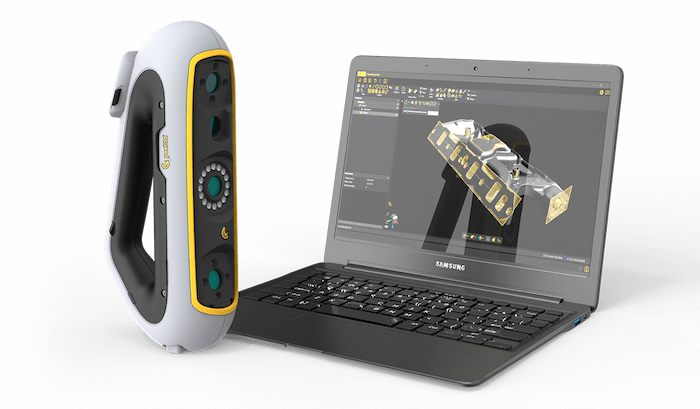
Peel 3 Pro.CAD 3D scanner
The Peel 3 scanner with fully integrated 3D scanning software is a turnkey reverse engineering solution. It enables you to design your projects within the same software, which is optimized to carry out 3D modeling from scan data.